Expense Tracker
A personal finance app built with bare React Native CLI, featuring ML Kit OCR receipt scanning, native Android UPI payment with notification-based status marking, donut chart analytics, and CSV/PDF data export — all running offline-first with React Context and AsyncStorage.
Why I Built This
I wanted a lightweight, offline-first expense tracker that doesn't require accounts, cloud sync, or subscriptions — just a fast, beautiful app that lives on my phone and lets me log expenses in seconds. I also wanted to solve a real pain point: after making a UPI payment, I always forget to log it — so I built an OCR receipt scanner, native Android Home screen widgets, and notification-based expense marking to automate that.
App Walkthrough
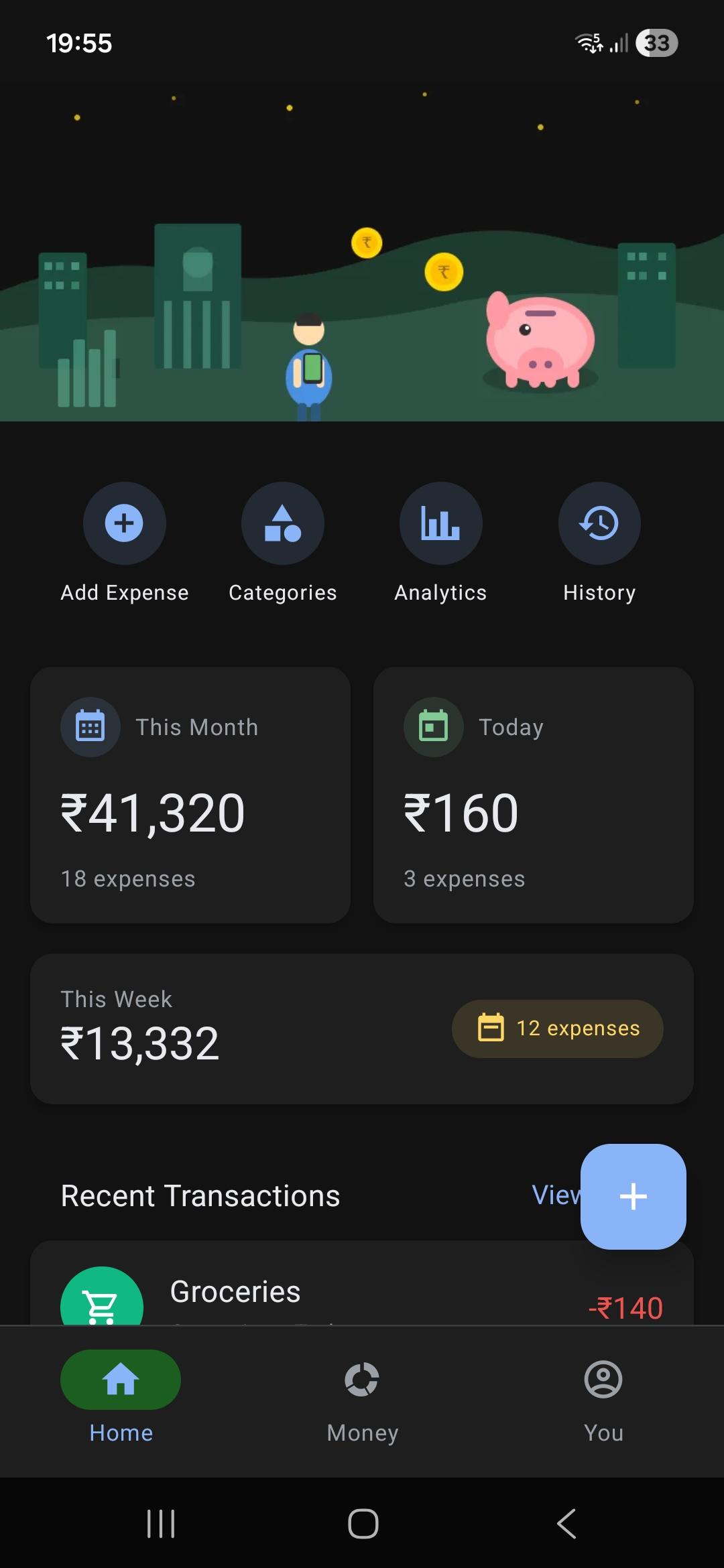
Home Screen
The home screen shows a quick spending summary — monthly, daily, and weekly stats — with quick-action tiles (Add Expense, Categories, Analytics, History) and a list of recent transactions.
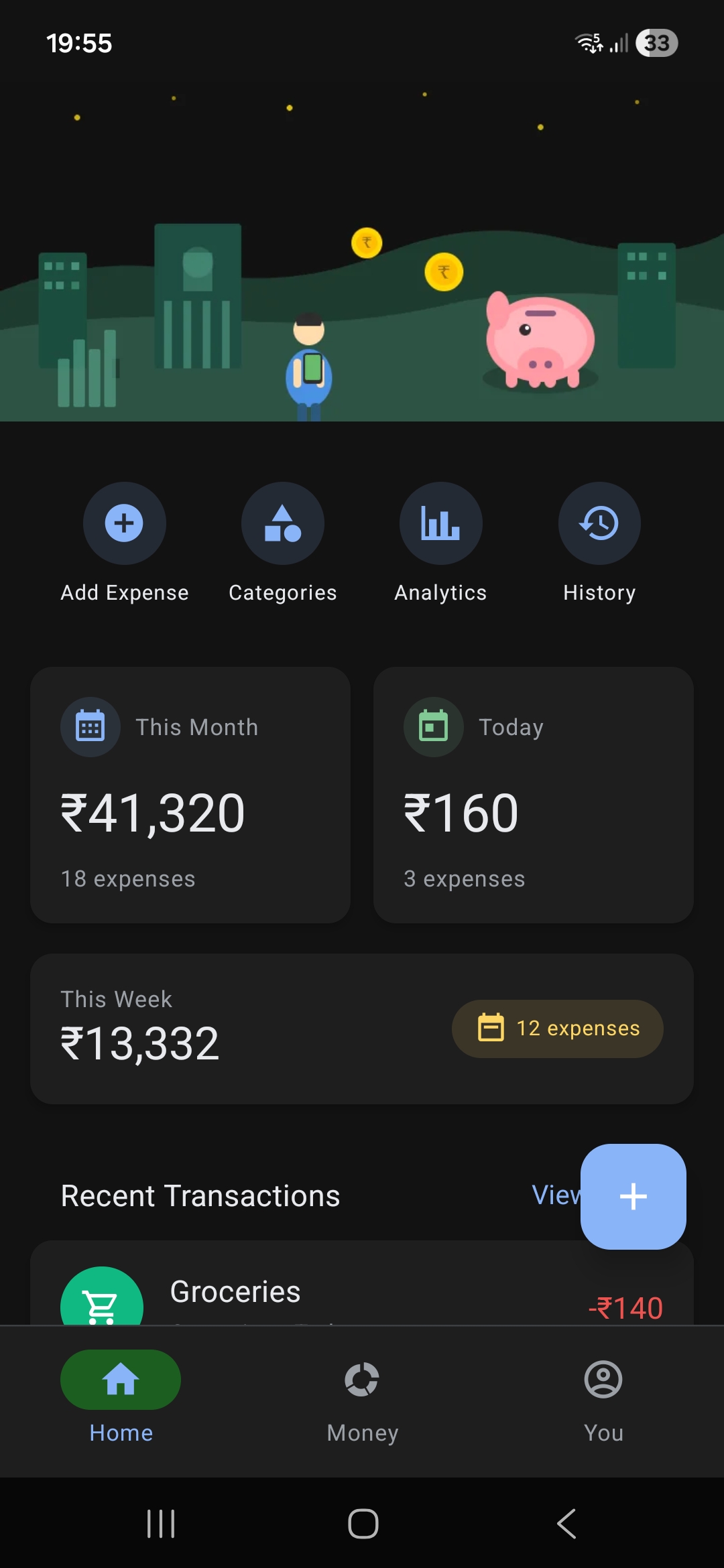
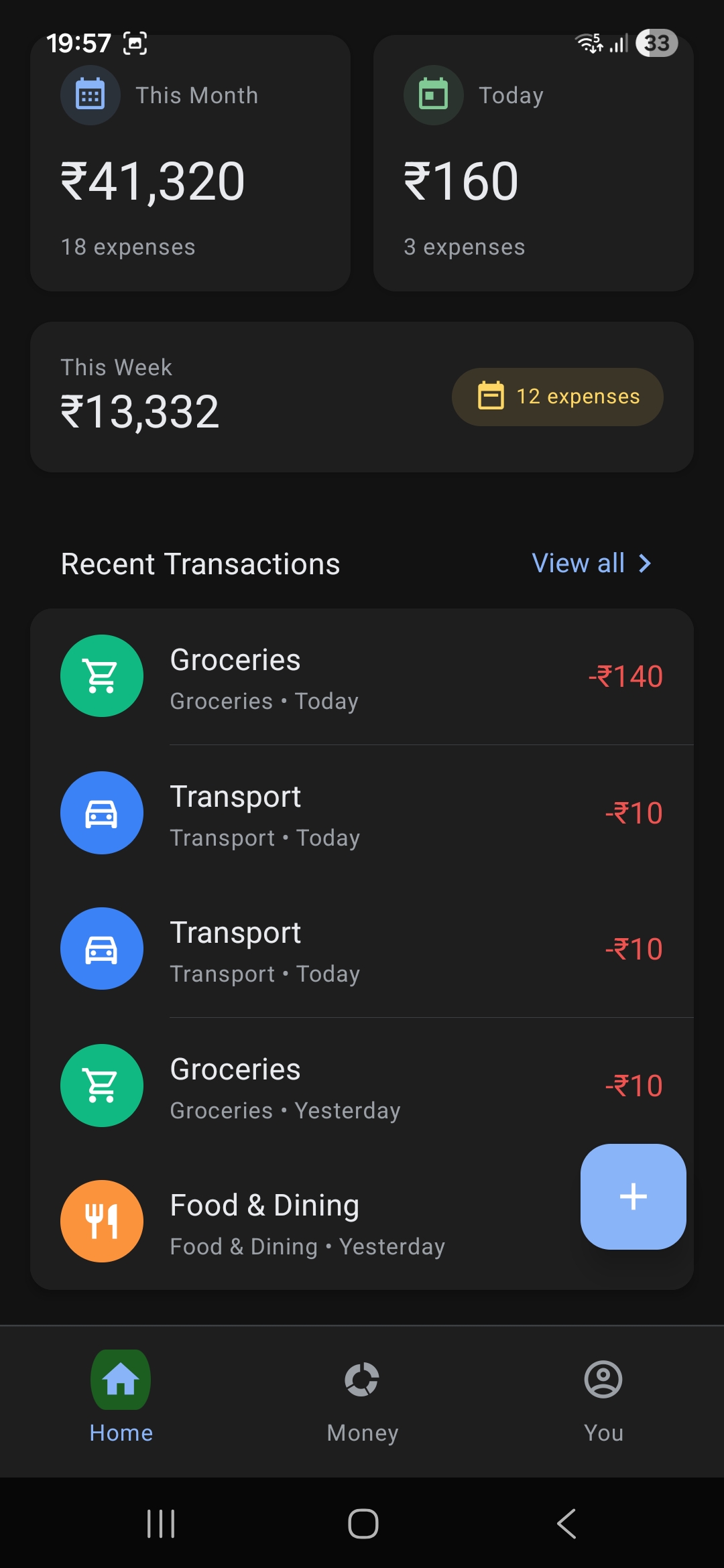
Scroll down to see the full transaction list with category icons and payment status indicators.
Add Expense
Enter an amount, pick a category, add an optional note, and choose a payment method (Google Pay, PhonePe, Paytm, UPI, Cash, Card, Bank Transfer). Two save options: Mark as Paid or Pay via UPI (which launches the UPI app and shows a notification to mark completion). Alternatively, quickly log an expense right from your phone's home screen using customized native Android Widgets for a frictionless entry bypassing app loading times entirely.
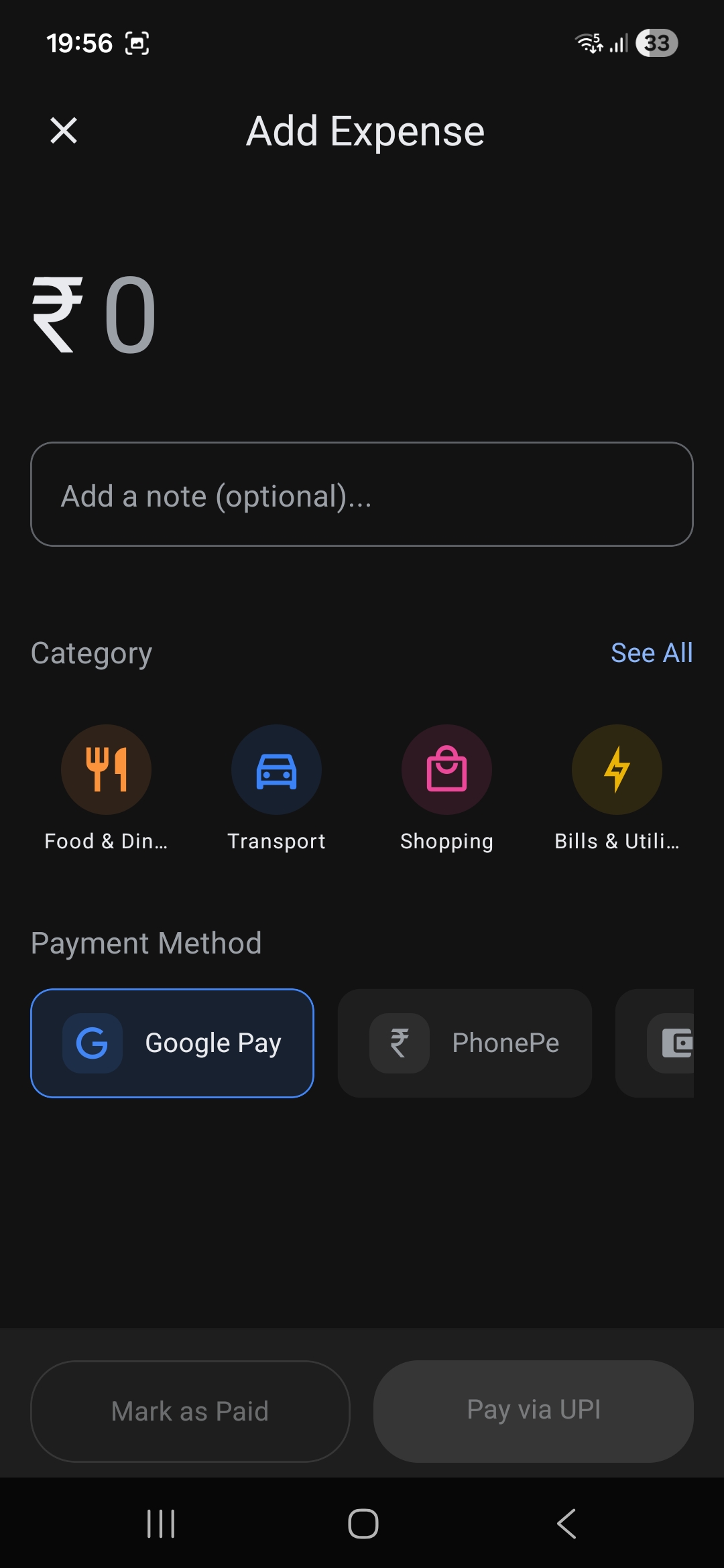
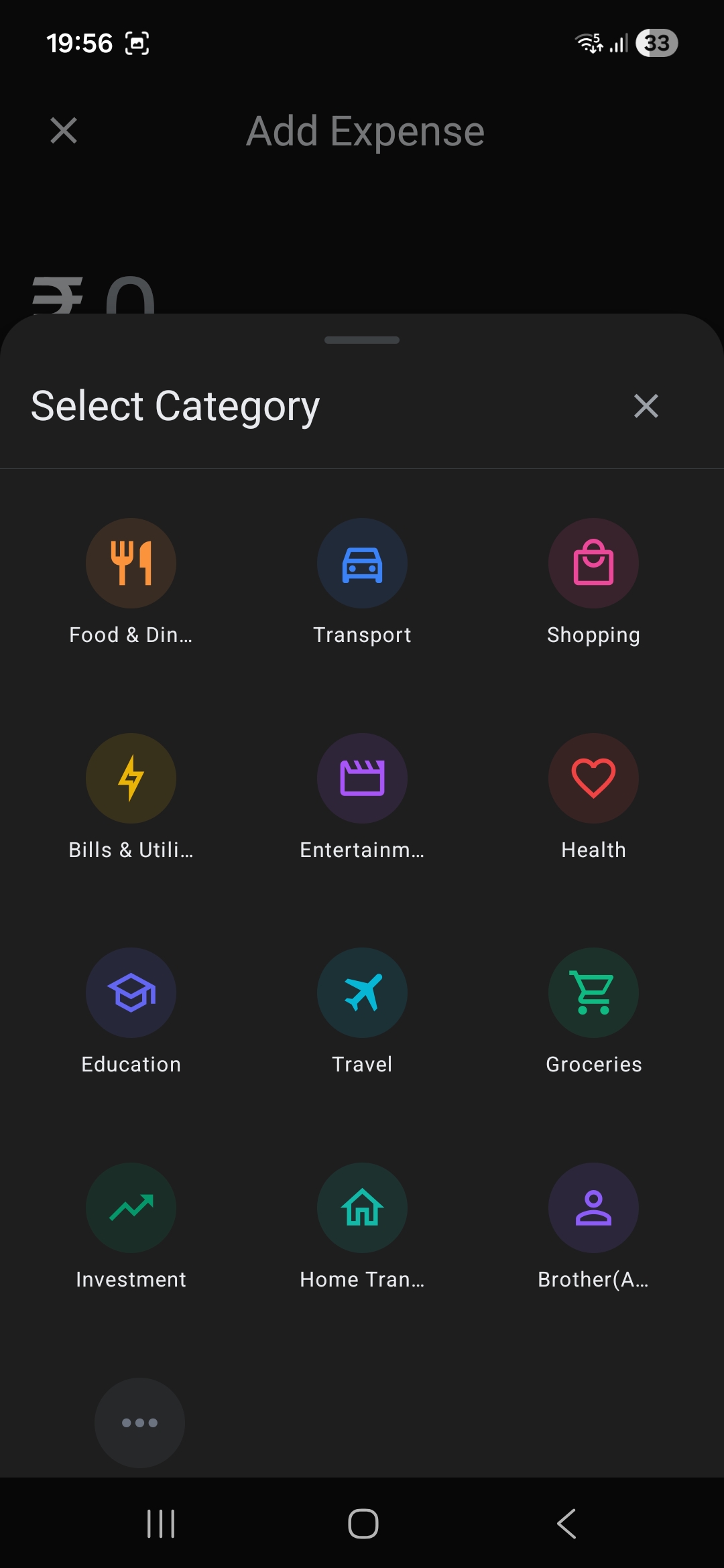
The category picker displays frequently used categories with a "See All" modal.
OCR Receipt Scanning
Share a GPay/UPI transaction screenshot to the app — the ML Kit OCR engine extracts the amount, receiver name, transaction note, and date automatically, pre-filling the expense form.
Analytics
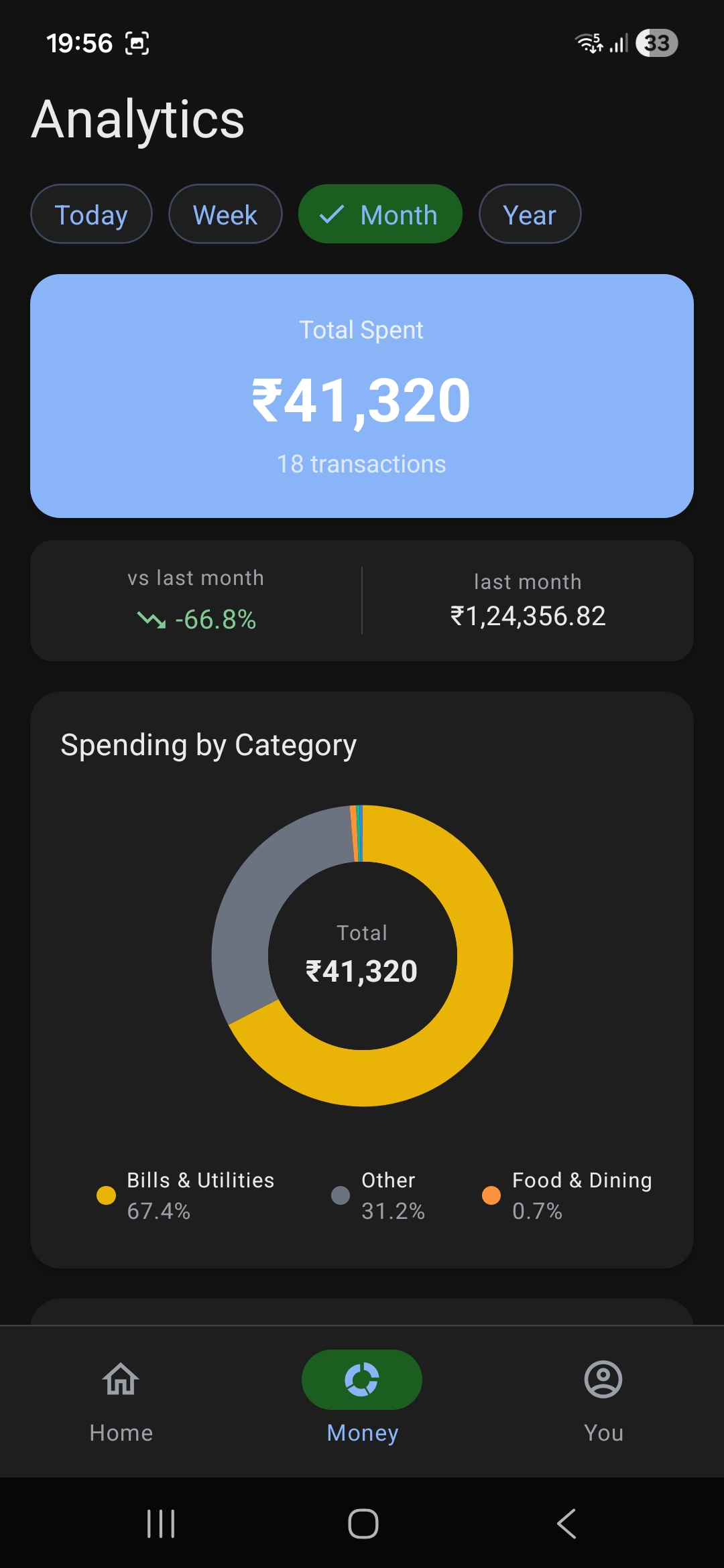
Time-based filters (Today, Week, Month, Year), month-over-month comparison with percentage change, and an interactive donut chart breaking down spending by category.
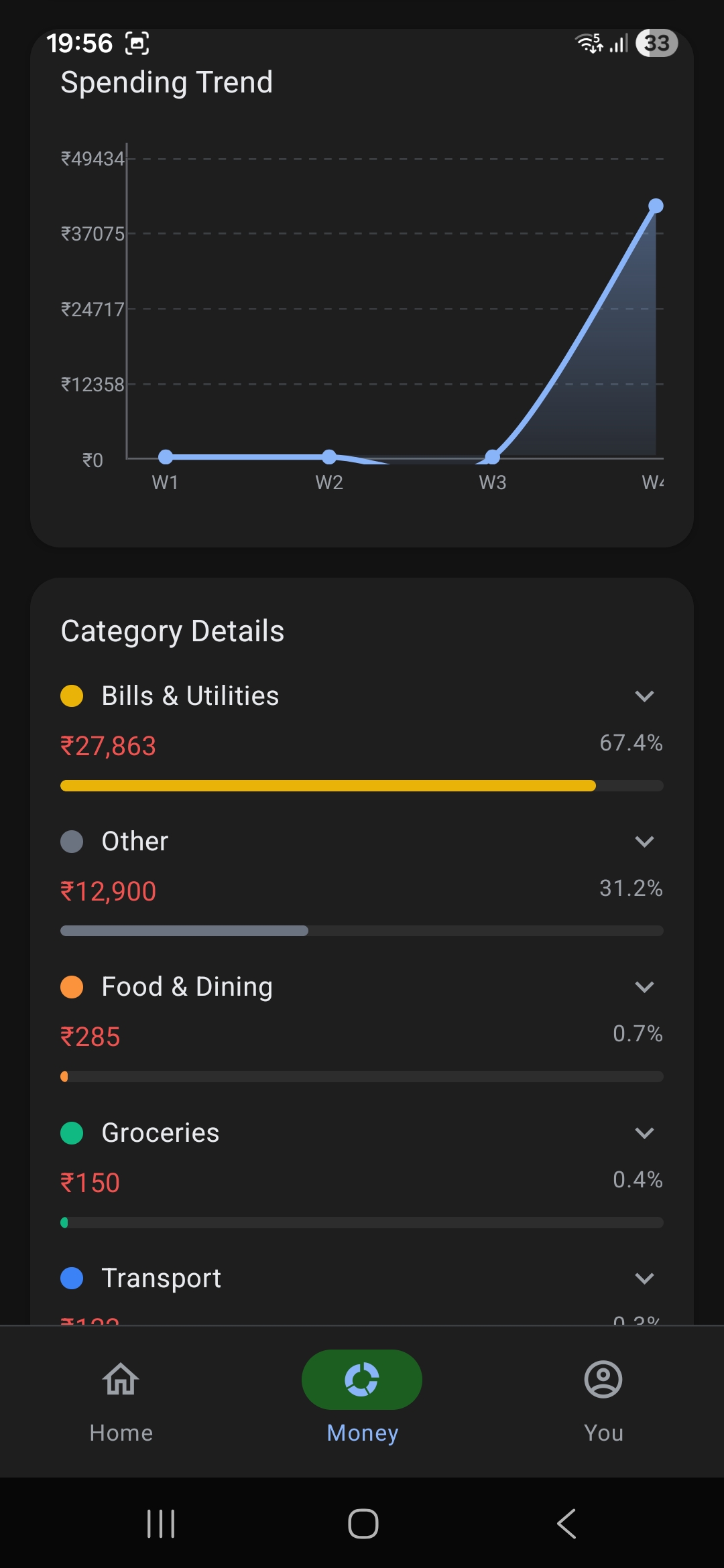
Expandable category breakdown with amounts, percentages, and individual transaction details.
Settings & Data Export
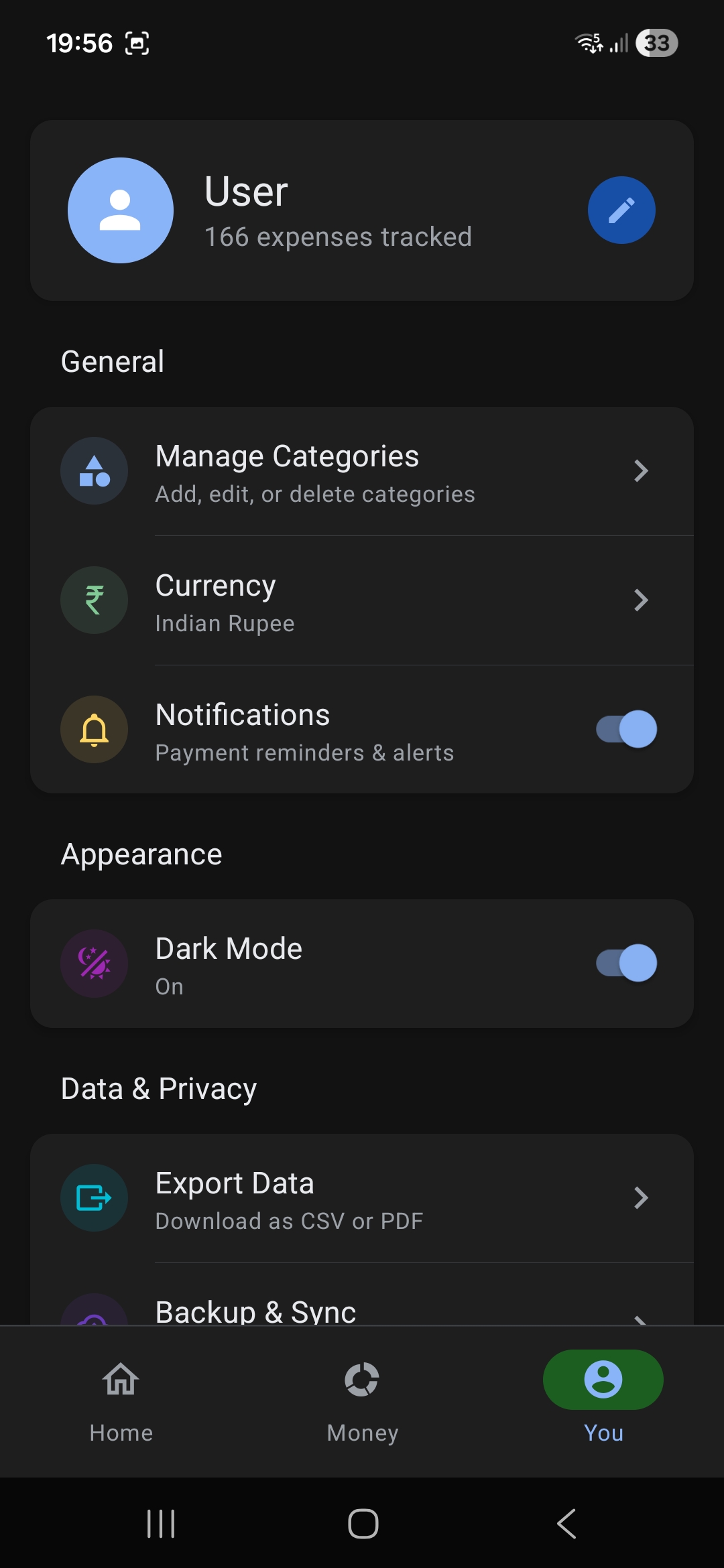
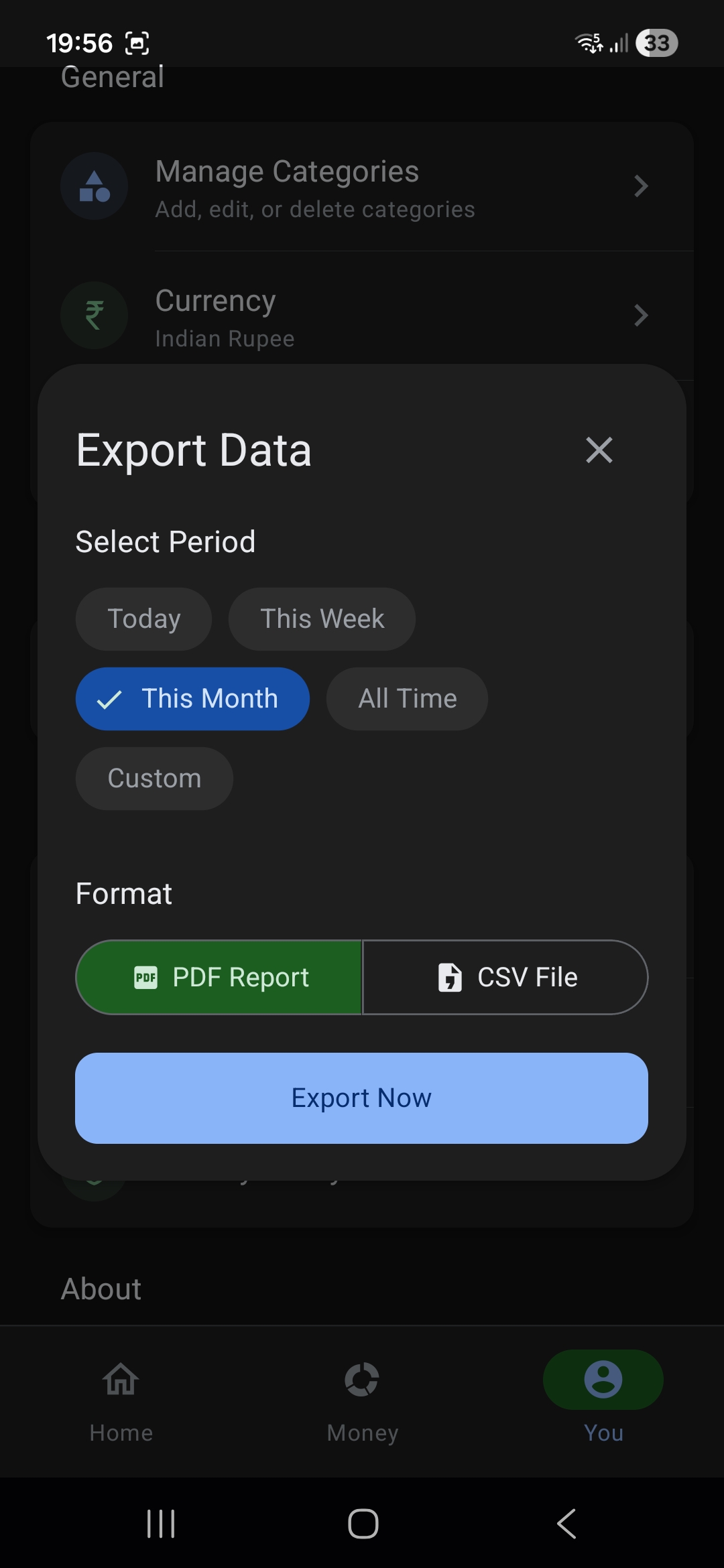
Category management, currency settings, notification toggles, dark mode, and data export as CSV or PDF via react-native-html-to-pdf.
Category Management
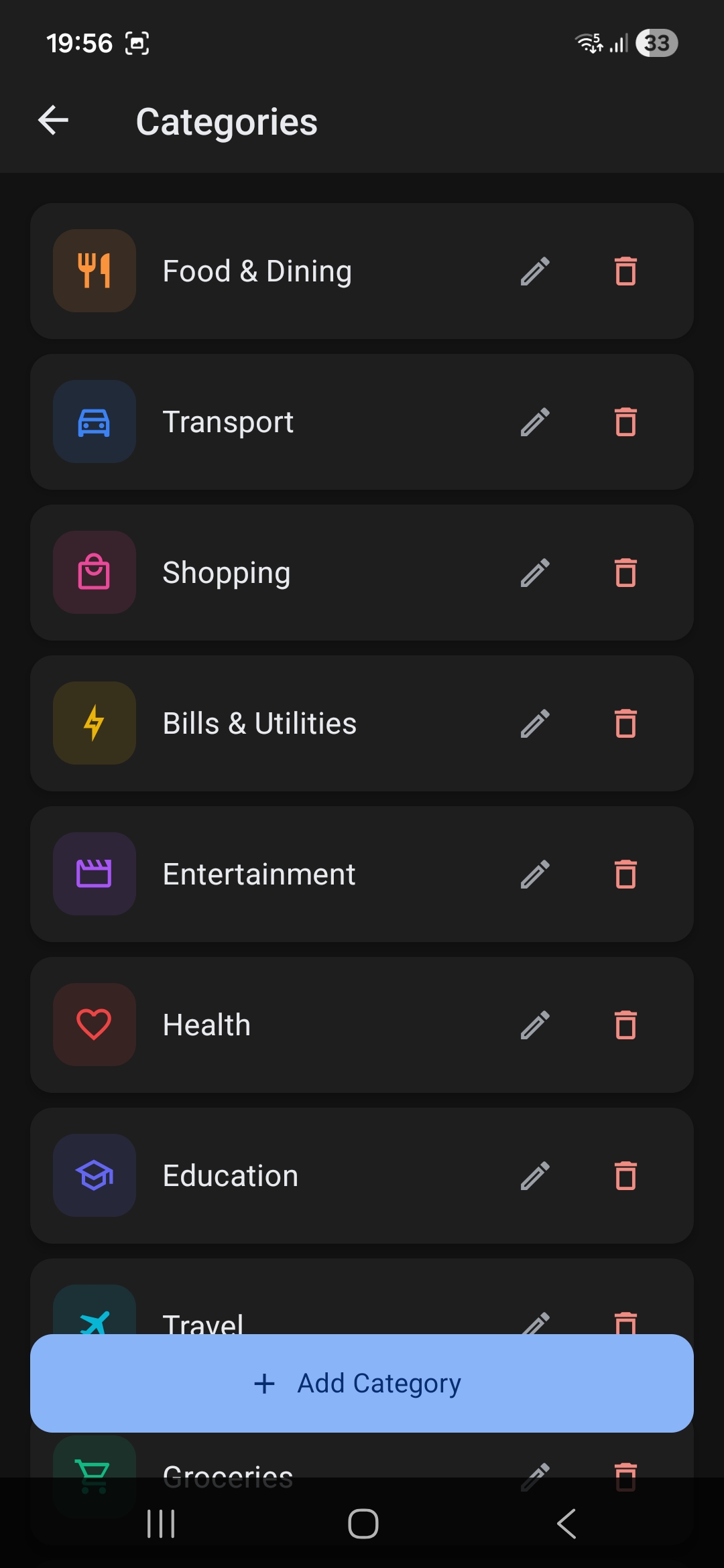
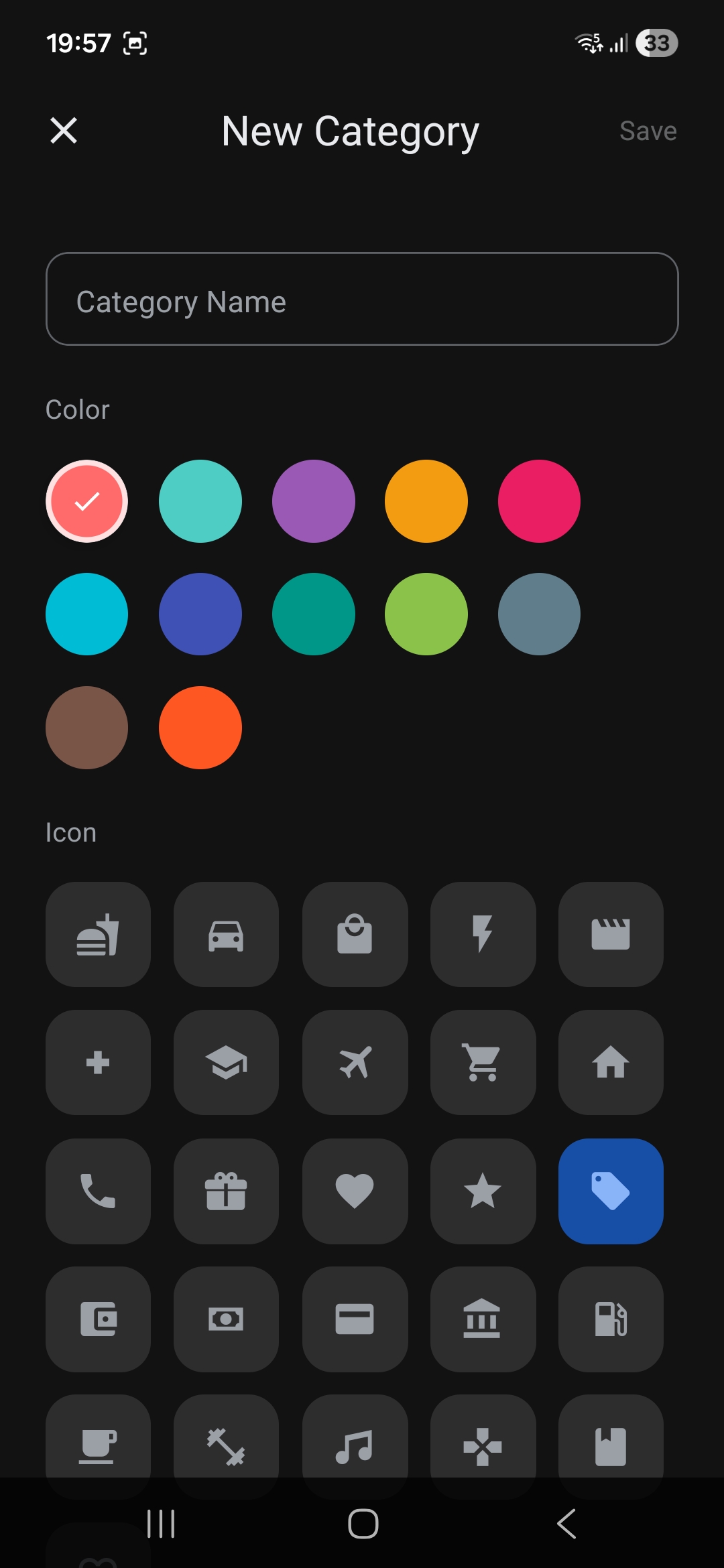
Create custom categories with MaterialCommunityIcons and a curated color picker.
Transaction History
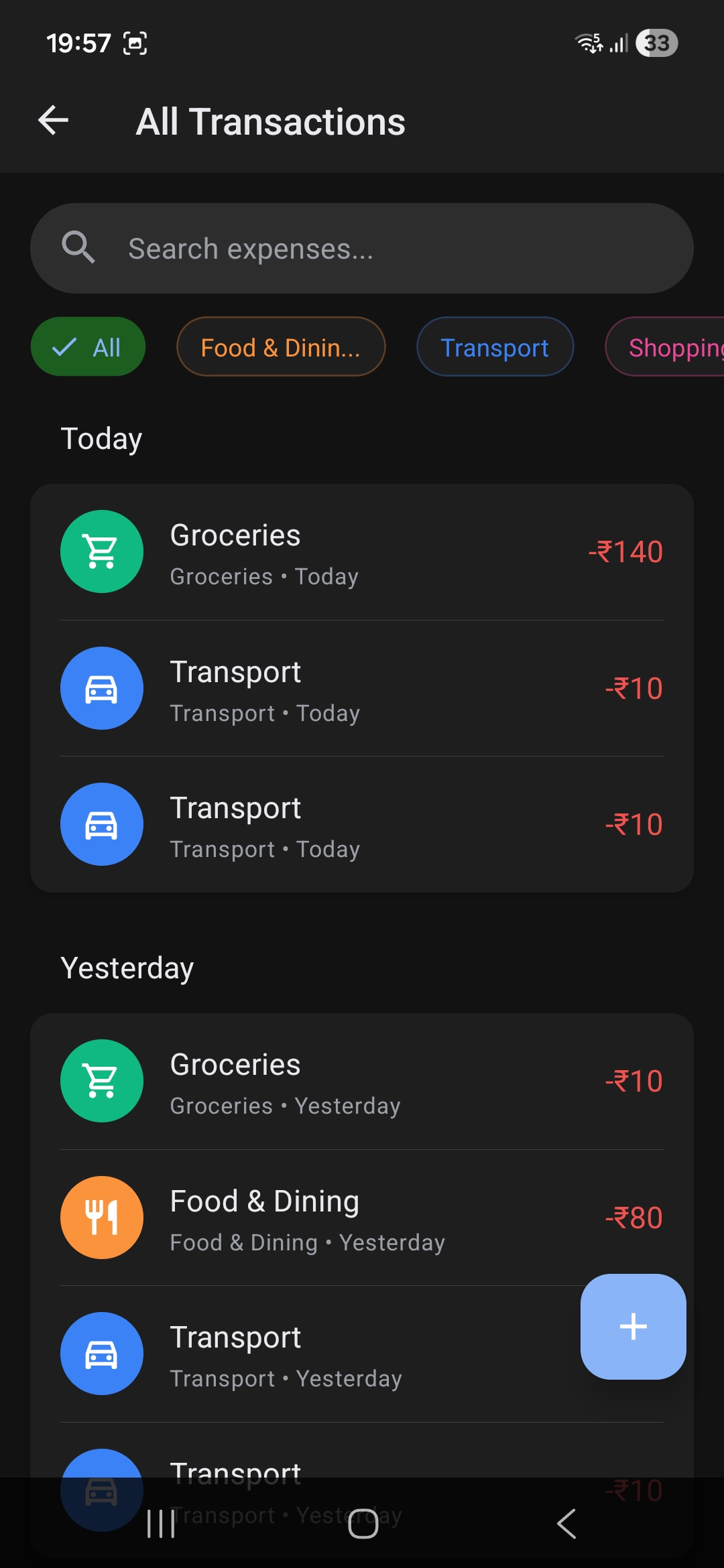
Full chronological transaction list with swipe actions, powered by Shopify's Flash List for smooth scrolling.
Technical Architecture
- Bare React Native CLI (0.83.1) — no Expo dependency, full native module access
- Native Android UPI Module — custom Java bridge for
upi://payintents with notification-based payment status marking (Paid/Failed actions from notification bar) - Android Home Screen Widgets — ultra-fast "Quick Add" and "Detailed Add" native vectors integrated through Deep Linking
expensetracker://add-expenseto allow one-tap entry. - ML Kit Text Recognition — OCR receipt parsing optimized for GPay transaction screenshots (extracts amount, receiver, note, date with multi-pattern fallbacks)
- React Context + useReducer — centralized state management with 587-line AppContext handling expenses, categories, pending payments, theme, and quick stats
- AsyncStorage service layer with typed generic helpers for persistence
- React.lazy() code-splitting for non-critical screens (Analytics, Settings, Categories, Expenses)
- React Native Paper for Material Design theming with custom GPay-inspired dark/light tokens
- Shopify Flash List for performant transaction lists
- react-native-gifted-charts for interactive donut charts with gradient fills
- Export Service generating CSV and styled PDF reports via
react-native-html-to-pdf - Shared Image Intent handling — receive transaction screenshot from any app, run OCR, pre-fill expense form